

Move in Move out process for Owner
Owner Move in/ Registration Process
Please follow the steps below to complete your move-in / Owner registration process:
Register on the Fedary Portal
Select the user type as I’m an owner

Enter your email address

Select your Community, Building, and Unit Number, then click Next.
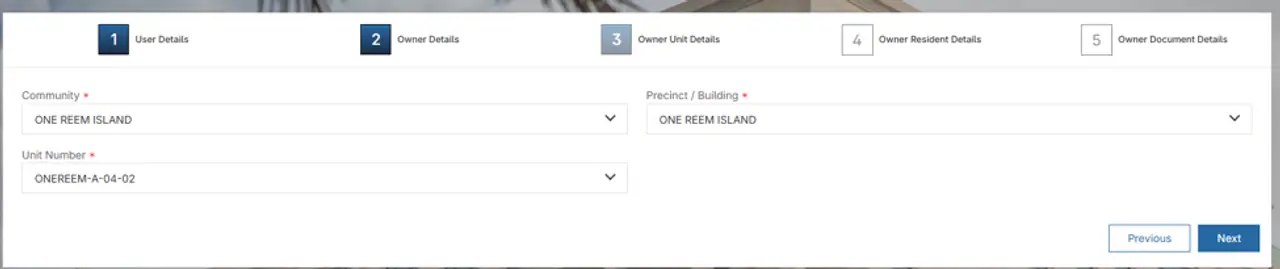
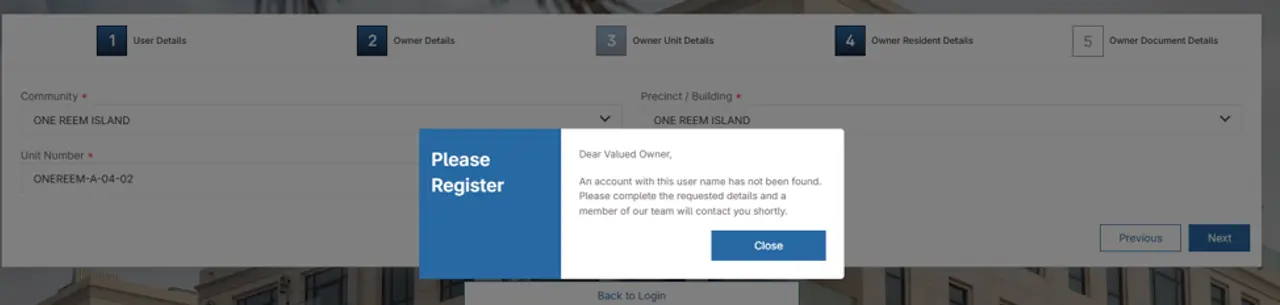
Close and select next.
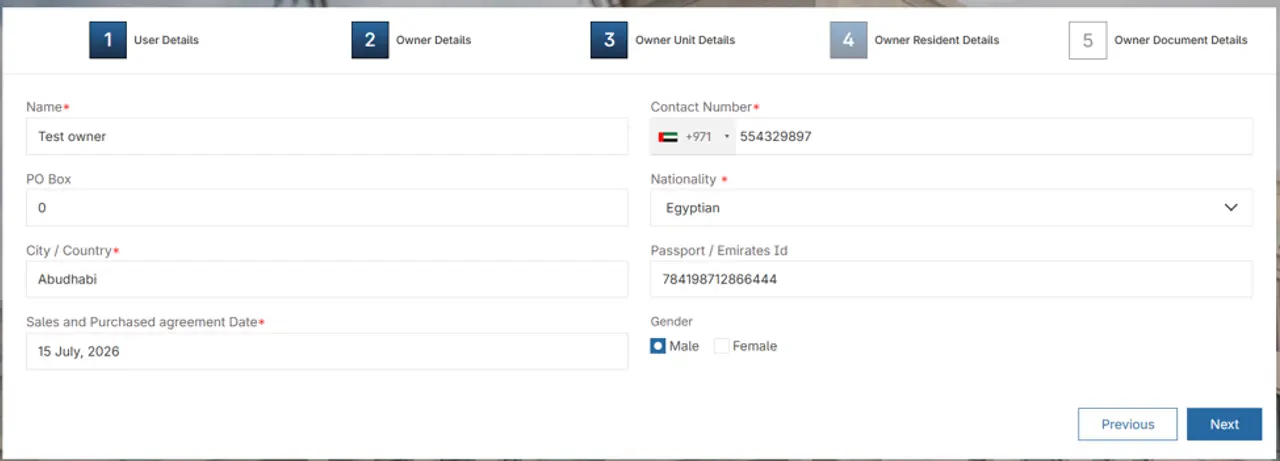
Enter the mandatory fields
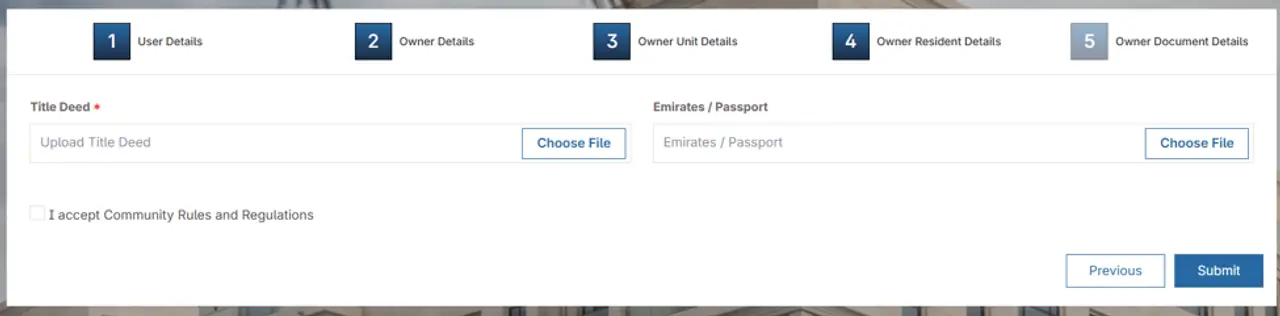
Upload the title deed and emirates ID and Select “I accept the Community Rules and Regulations” and click Submit.
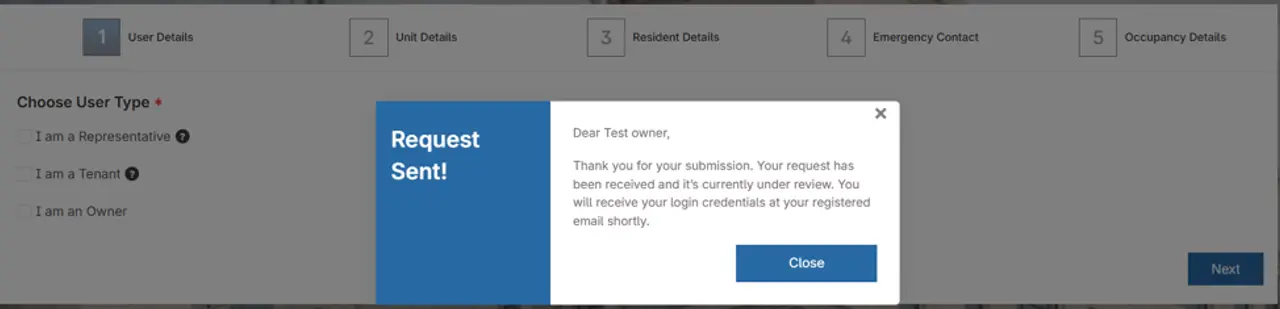
Once management approves the request, you will receive the Welcome Email with your login credentials. After approval, the Move-in Permit will be issued through the Fedary Portal.
Note: If your request has been approved and you do not receive the Welcome Email within 24 hours, please proceed to the registration page and select “Forgot Password”. The management team will assist you with resetting your password.
Present the Permit on Move-in Day
On the move-in day, present the approved Move-in Permit to the building security team to facilitate access.
Important:
Please ensure your move-in request is approved and the permit is obtained at least 48 hours before your scheduled move-in date to avoid delays or access restrictions.
Owner Move Out Process
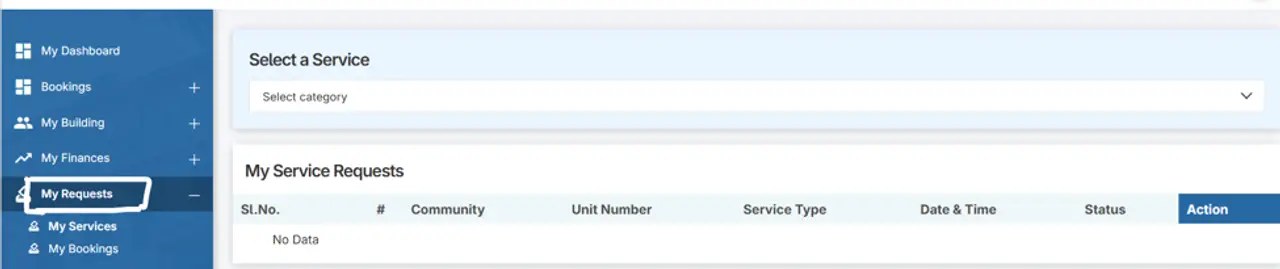
Log in to the Fedary Portal and select “My Requests”.
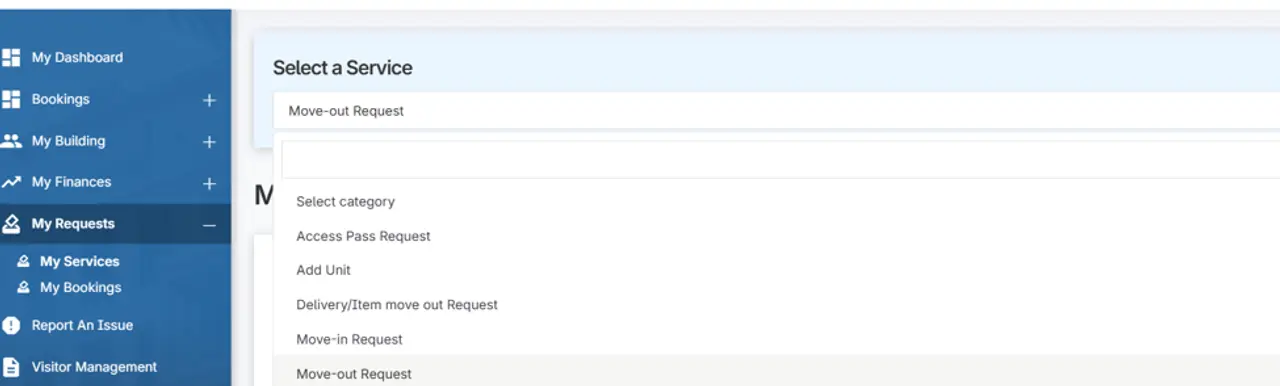
Select “move-out Request”
Complete the mandatory fields
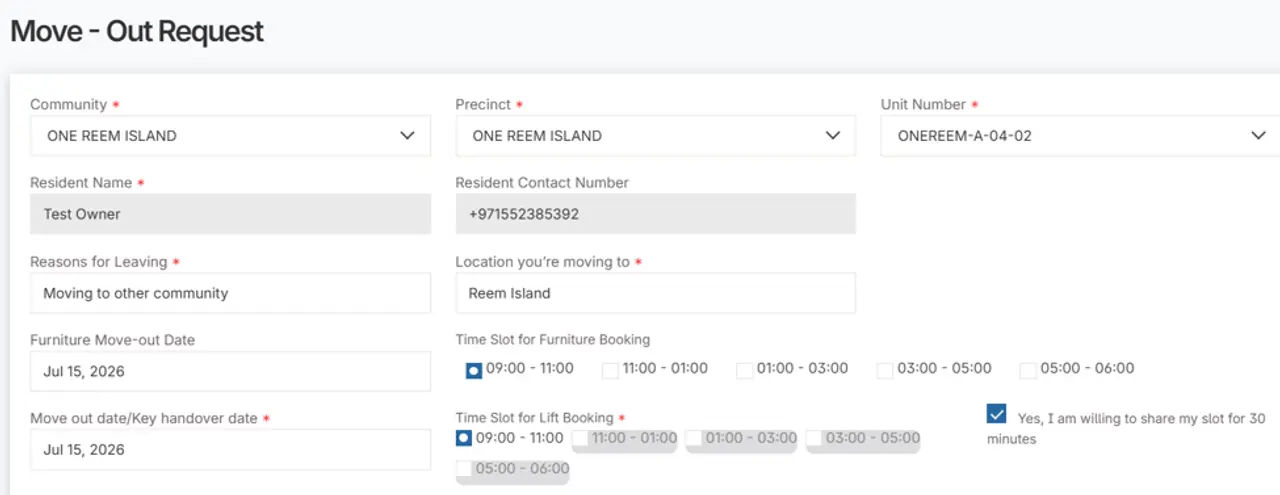
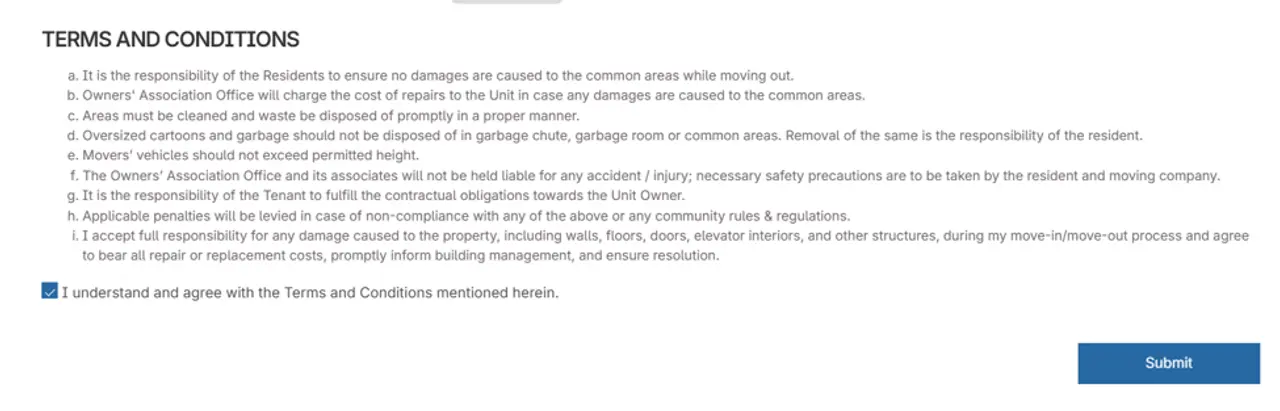
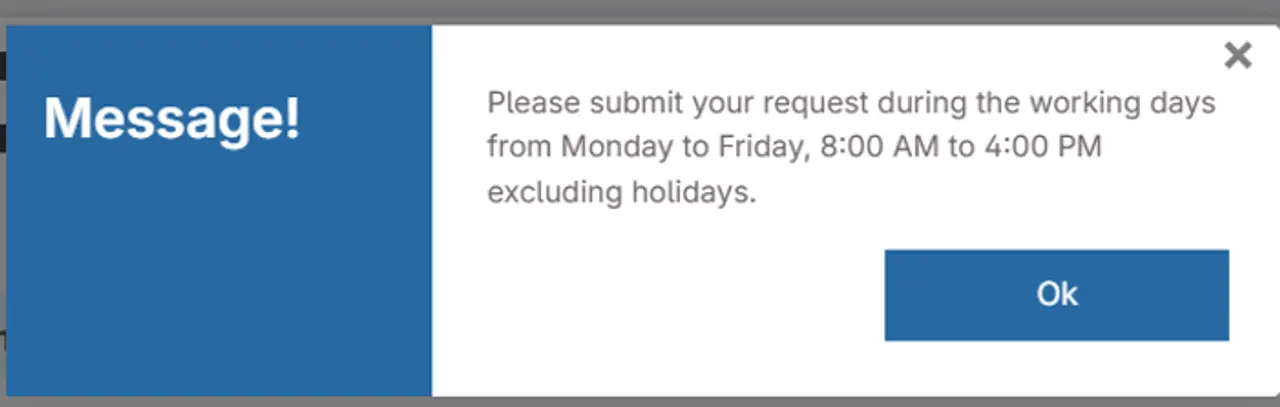
Accept the Terms and Conditions, and submit the request.
You can log in to the portal and view the approved move-out request, which can be presented to the security team to facilitate move-out assistance.